 探客时代
探客时代

Clinic.js
Tools to help diagnose and pinpoint Node.js performance issues
README
Clinic.js
 [![npm version][npm-version]][npm-url] [![Stability Stable][stability-stable]][stability-docs] [![Azure build status][azure-status]][azure-url] [![Downloads][npm-downloads]][npm-url] [![Code style][lint-standard]][lint-standard-url]
An Open Source Node.js performance profiling suite by [NearForm][].
Demo and detailed documentation: https://clinicjs.org/
Install
- ```
- npm install -g clinic
- ```
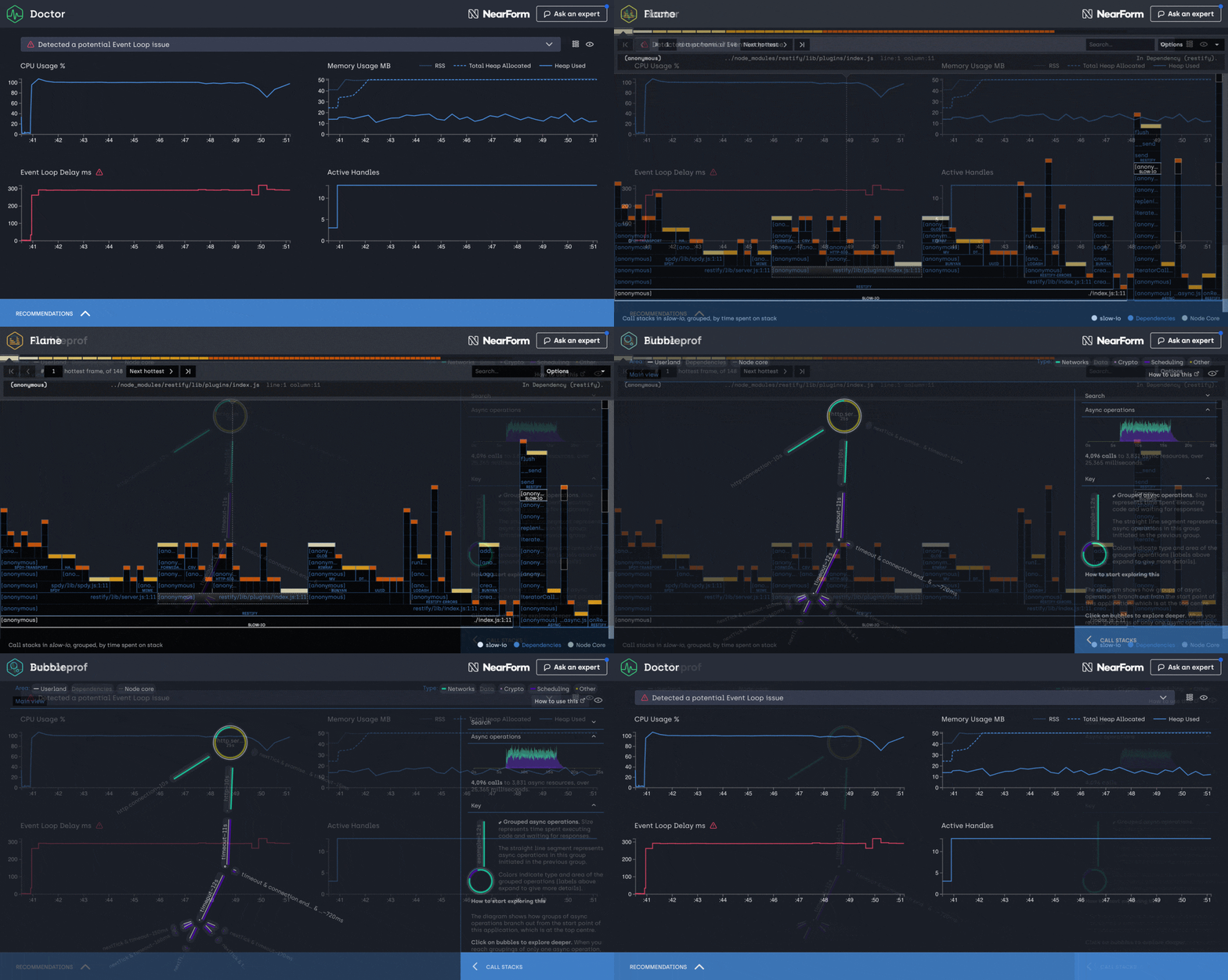
Getting started
As a first step, run the clinic doctor:
clinic doctor -- node server.js
Then benchmark your server with wrk or autocannon:
- ```
- wrk http://localhost:3000
- autocannon http://localhost:3000
- ```
If you want to run autocannon as soon as your server starts listening you can
use the --autocannon option using [subarg][] syntax.
- ```sh
- clinic doctor --autocannon [ / --method POST ] -- node server.js
- ```
Other benchmarking tools like wrk can be started in a similar way using the --on-port flag
- ```sh
- # $PORT is the port the server is listening on
- clinic doctor --on-port 'wrk http://localhost:$PORT' -- node server.js
- ```
Finally shut down your server (Ctrl+C). Once the server process has shutdown
clinic doctor will analyse the collected data and detect what type of issue
you are having. Based on the issue type, it will provide a recommendation for
you.
For example, to debug I/O issues, use clinic bubbleprof:
- ```
- clinic bubbleprof -- node server.js
- ```
Then benchmark your server again, just like you did with clinic doctor.
Note that when looking at the CPU graph you might notice that it doesn't
necessarily go from 0-100 but might go from 0-200 or higher. This is because the
percentage reflects the total amount of CPU cores your computer has. Node.js
itself uses more than one thread behind the scene even though JavaScript is
single threaded. V8 (The JavaScript engine) runs the garbage collector and some
optimizations on background threads. With worker threads, the CPU will also
utilize more than 100%. The visible percentage is always the combination of all
these factors together.
Supported Node.js versions
Clinic.js relies heavily on Node.js core instrumentation available in later versions.
Currently the supported Node.js versions are >= 10.12.0.
Examples and Demos
Report an issue
If you encounter any issue, feel free to send us an issue report at:
- ```
- https://github.com/nearform/node-clinic/issues
- ```
When creating an issue, it will be a huge help for us if you upload your
data to Clinic.js Upload. To do this, useclinic upload:
- ```
- clinic upload .clinic/1000.clinic-doctor
- ```
and include the URL that it returns.
More information
For more information use the --help option:
- ```
- clinic doctor --help
- clinic bubbleprof --help
- clinic flame --help
- clinic upload --help
- clinic ask --help
- ```
- The doctor functionality is provided by Clinic.js Doctor.
- The bubbleprof functionality is provided by Clinic.js Bubbleprof.
- The flame functionality is provided by Clinic.js Flame.
Flags
- ```
- -h | --help Display Help
- -v | --version Display Version
- --collect-only Do not process data on termination
- --visualize-only datapath Build or rebuild visualization from data
- --on-port Run a script when the server starts listening on a port.
- --autocannon Run the autocannon benchmarking tool when the server starts listening on a port.
- --dest Destination for the collect data (default .).
- ```
Programmable Interfaces
Each of the tools has a programmable interface which you can read about in their repos.
License
[stability-stable]: https://img.shields.io/badge/stability-stable-green.svg?style=flat-square
[stability-docs]: https://nodejs.org/api/documentation.html#documentation_stability_index
[npm-version]: https://img.shields.io/npm/v/clinic.svg?style=flat-square
[npm-url]: https://npmjs.org/package/clinic
[npm-downloads]: http://img.shields.io/npm/dm/clinic.svg?style=flat-square
[lint-standard]: https://img.shields.io/badge/code%20style-standard-brightgreen.svg?style=flat-square
[lint-standard-url]: https://github.com/feross/standard
[azure-status]: https://dev.azure.com/node-clinic/node-clinic/_apis/build/status/nearform.node-clinic
[azure-url]: https://dev.azure.com/node-clinic/node-clinic/_build/latest?definitionId=1?branchName=master
[NearForm]: https://www.nearform.com
[subarg]: https://npmjs.com/package/subarg

