 探客时代
探客时代

PullToRefresh.js
A quick and powerful plugin for your pull-to-refresh needs in your webapp.
README
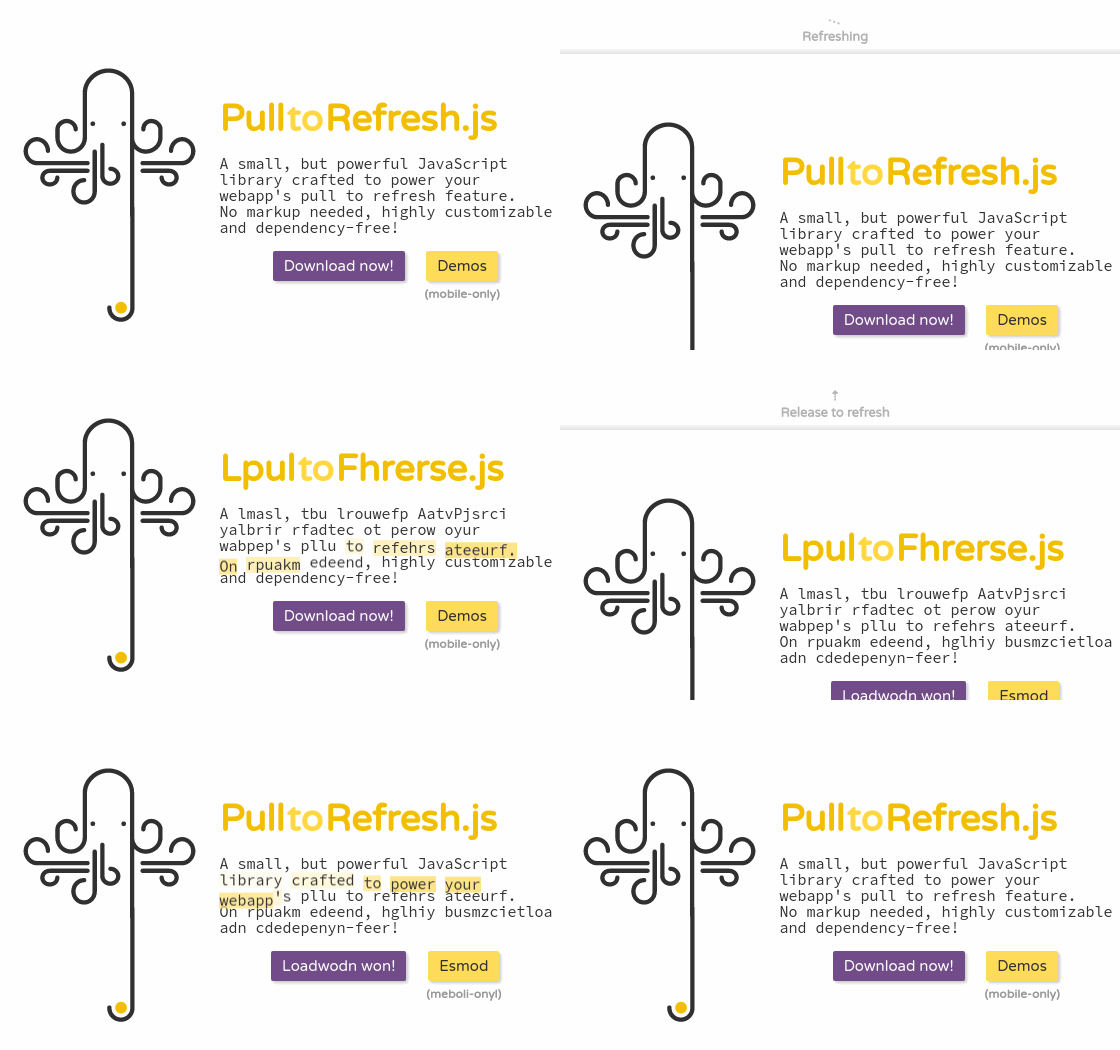



[PulltoRefresh.js](http://www.boxfactura.com/pulltorefresh.js/) • Demos
A small, but powerful Javascript library crafted to power your webapp's pull to refresh feature. No markup needed, highly customizable and dependency-free!
Donations
If you found this project useful, please consider making a donation.

Installation
- ``` sh
- $ npm install pulltorefreshjs --save-dev
- $ wget -O pulltorefresh.js https://unpkg.com/pulltorefreshjs
- ```
Include the JS file in your webapp and initialize it:
- ``` js
- const ptr = PullToRefresh.init({
- mainElement: 'body',
- onRefresh() {
- window.location.reload();
- }
- });
- ```
Bundlers can consume pulltorefreshjs as CommonJS and ES6-modules syntax:
- ``` js
- import PullToRefresh from 'pulltorefreshjs';
- // or
- const PullToRefresh = require('pulltorefreshjs');
- ```
API
- init(options)
Will return a unique ptr-instance with a destroy() method.
- destroyAll()
Stop and remove all registered ptr-instances.
- setPassiveMode(isPassive)
Enable or disable passive mode for event handlers (new instances only).
Options
- distThreshold (integer)
Minimum distance required to trigger the refresh.
— Defaults to `60`
- distMax (integer)
Maximum distance possible for the element.
— Defaults to `80`
- distReload (integer)
After the distThreshold is reached and released, the element will have this height.
— Defaults to `50`
- distIgnore (integer)
After which distance should we start pulling?
— Defaults to `0`
- mainElement (string)
Before which element the pull to refresh elements will be?
— Defaults to `body`
- triggerElement (string)
Which element should trigger the pull to refresh?
— Defaults to `body`
- ptrElement (string)
Which class will the main element have?
— Defaults to `.ptr`
- classPrefix (string)
Which class prefix for the elements?
— Defaults to `ptr--`
- cssProp (string)
Which property will be used to calculate the element's proportions?
— Defaults to `min-height`
- iconArrow (string)
The icon for both instructionsPullToRefresh and instructionsReleaseToRefresh
— Defaults to `⇣`
- iconRefreshing (string)
The icon when the refresh is in progress.
— Defaults to `…`
- instructionsPullToRefresh (string)
The initial instructions string.
— Defaults to `Pull down to refresh`
- instructionsReleaseToRefresh (string)
The instructions string when the distThreshold has been reached.
— Defaults to `Release to refresh`
- instructionsRefreshing (string)
The refreshing text.
— Defaults to `Refreshing`
- refreshTimeout (integer)
The delay, in milliseconds before the onRefresh is triggered.
— Defaults to `500`
- getMarkup (function)
It returns the default HTML for the widget, __PREFIX__ is replaced.
— See [src/lib/markup.js](src/lib/markup.js)
- getStyles (function)
It returns the default CSS for the widget, __PREFIX__ is replaced.
— See [src/lib/styles.js](src/lib/styles.js)
- onInit (function)
The initialize function.
- onRefresh (function)
What will the pull to refresh trigger? You can return a promise.
— Defaults to `window.location.reload()`
- resistanceFunction (function)
The resistance function, accepts one parameter, must return a number, capping at 1.
— Defaults to `t => Math.min(1, t / 2.5)`
- shouldPullToRefresh (function)
Which condition should be met for pullToRefresh to trigger?
— Defaults to `!window.scrollY` • Please note that this default is useful whenever you're setting mainElement as the body of the document, if you need it in another element with overflow, use `!this.mainElement.scrollTop`. Refer to the [multiple instances demo](https://www.boxfactura.com/pulltorefresh.js/demos/multiple.html) for reference.
Use with React
With ReactDOMServer andrenderToString() you can use components as
icons instead of just strings.
In this example we also use Font Awesome to get nice icons with animation, but you can
use any React component you like.
- ``` js harmony
- import React, { Component } from 'react';
- import ReactDOMServer from 'react-dom/server';
- import PullToRefresh from 'pulltorefreshjs';
- import { faSyncAlt} from '@fortawesome/free-solid-svg-icons';
- import { FontAwesomeIcon } from '@fortawesome/react-fontawesome';
- class App extends Component
- {
- componentDidMount()
- {
- PullToRefresh.init({
- mainElement: 'body',
- onRefresh() {
- window.location.reload();
- },
- iconArrow: ReactDOMServer.renderToString(
- <FontAwesomeIcon icon={faSyncAlt} />
- ),
- iconRefreshing: ReactDOMServer.renderToString(
- <FontAwesomeIcon icon={faSyncAlt} spin={true} />
- ),
- });
- }
- componentWillUnmount()
- {
- // Don't forget to destroy all instances on unmout
- // or you will get some glitches.
- PullToRefresh.destroyAll();
- }
- render()
- {
- return (
- <div>
- <h1>App</h1>
- </div>
- );
- }
- }
- export default App;
- ```
Contribute
To quickly start the development workflow:
1. Install NodeJS (NVM)
2. Run nvm use 10 && npm install
3. Then npm run dev
This will watch and compile the bundle for browser usage.
E2E tests are executed with Testcafé.
- Run npm test to fire tests in the default browser, use BROWSER to change this
- ...or just run make to setup the dependencies and run tests only (e.g. CI)
Advanced debug can be achieved with testcafe-live, e.g.
- ``` sh
- $ npm test --live chrome tests/e2e/cases --debug-on-fail
- ```
Roadmap
- [ ] More events: onPullStart, onPullDown(direction, willRefresh), onRelease(willRefresh)
- [ ] Fully customizable CSS
- [ ] Gallery of use cases
- [ ] Advanced demos
- [x] Tests
- [x] Minified releases

